Product
HEP Adherence Tracking: See How Every Patient's Week Went
ProperForm now tracks home exercise program adherence: what each patient did this week, what they skipped, and where the week is headed, before their next visit.

Trevor Sheridan, Co-founder and CEO
Nov 27, 2026 · 3 min read
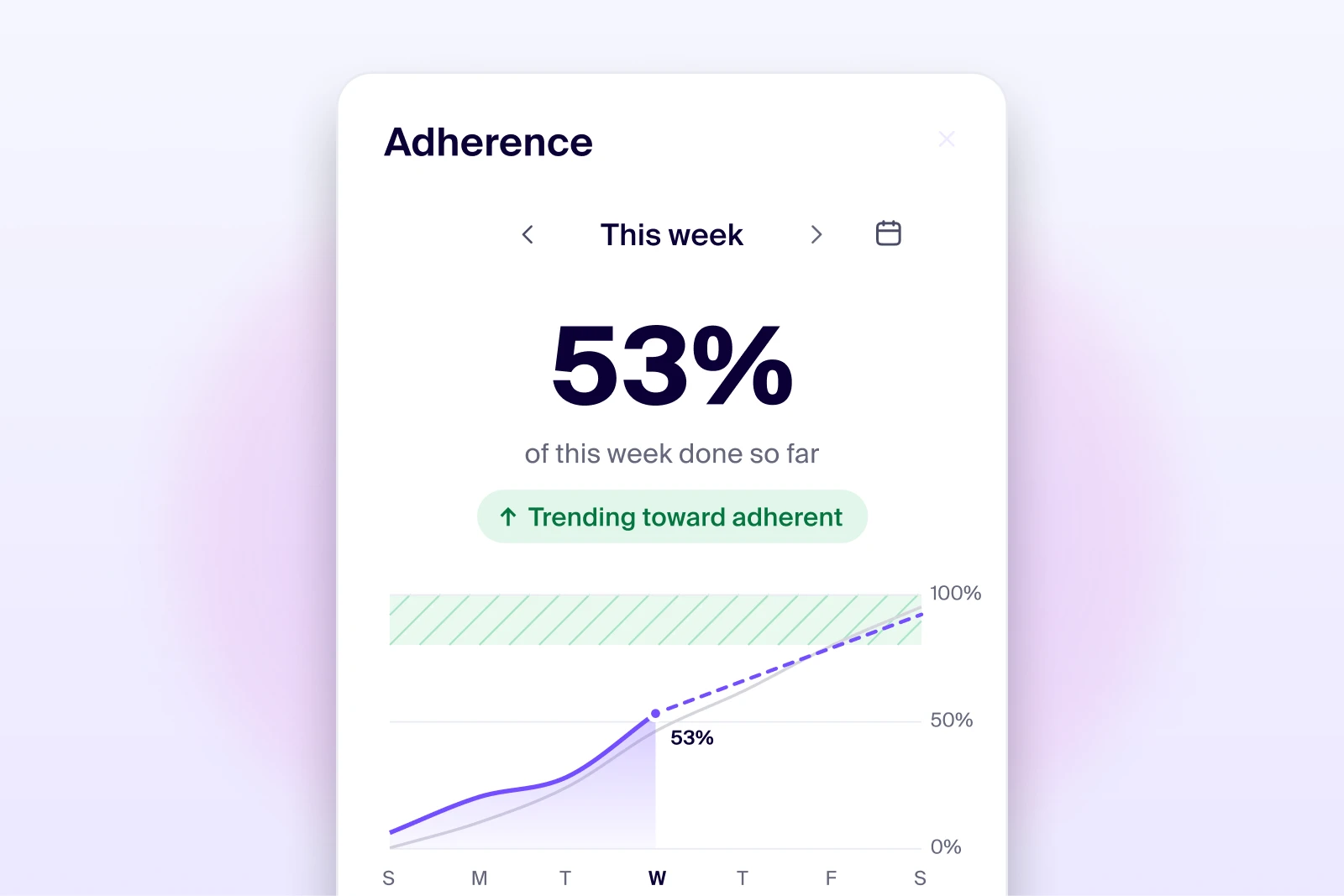
Most of a home exercise program happens where you can't see it. Your patient leaves with their exercises, and the next time you find out how the week went is when they're back on the table and you ask. ProperForm now has HEP adherence tracking built in, so you can see how each patient's week actually went before they walk in: the days they did their exercises, the ones they skipped, and where the week is headed.
What HEP adherence tracking shows you
Every program has an adherence panel, on your phone or on the web. It follows the patient's week, Sunday to Saturday, from the moment they open the program in their app and start checking exercises off.
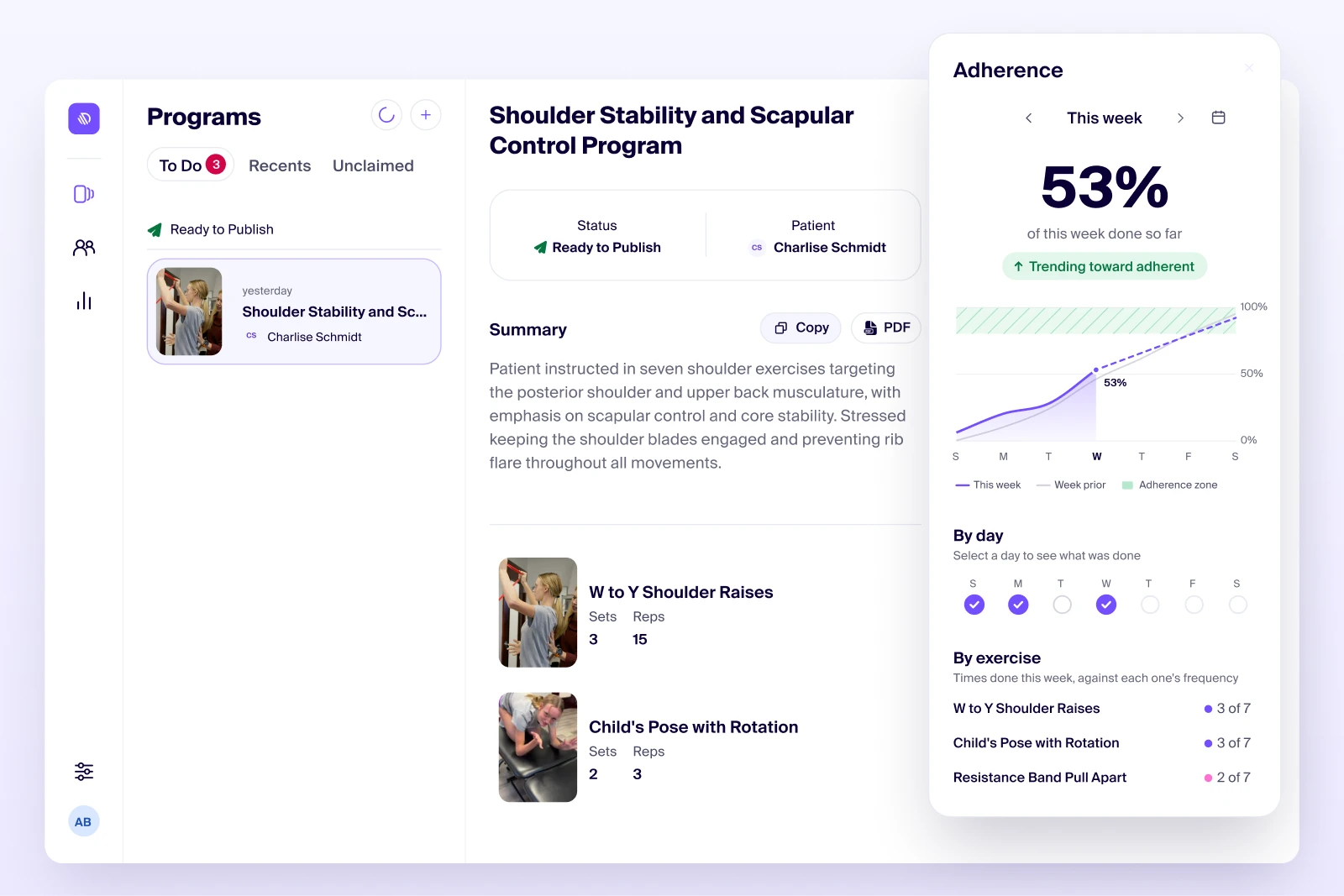
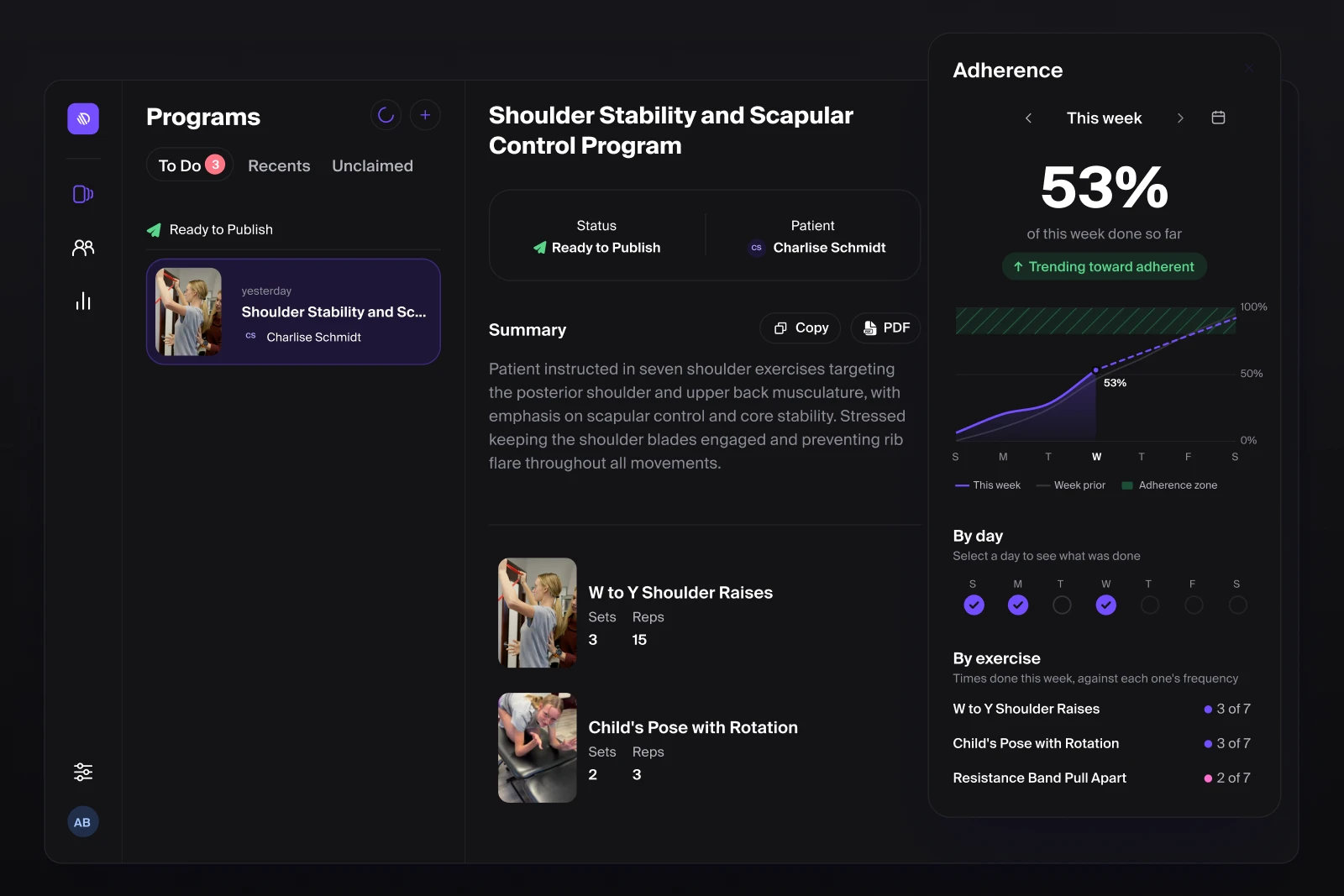
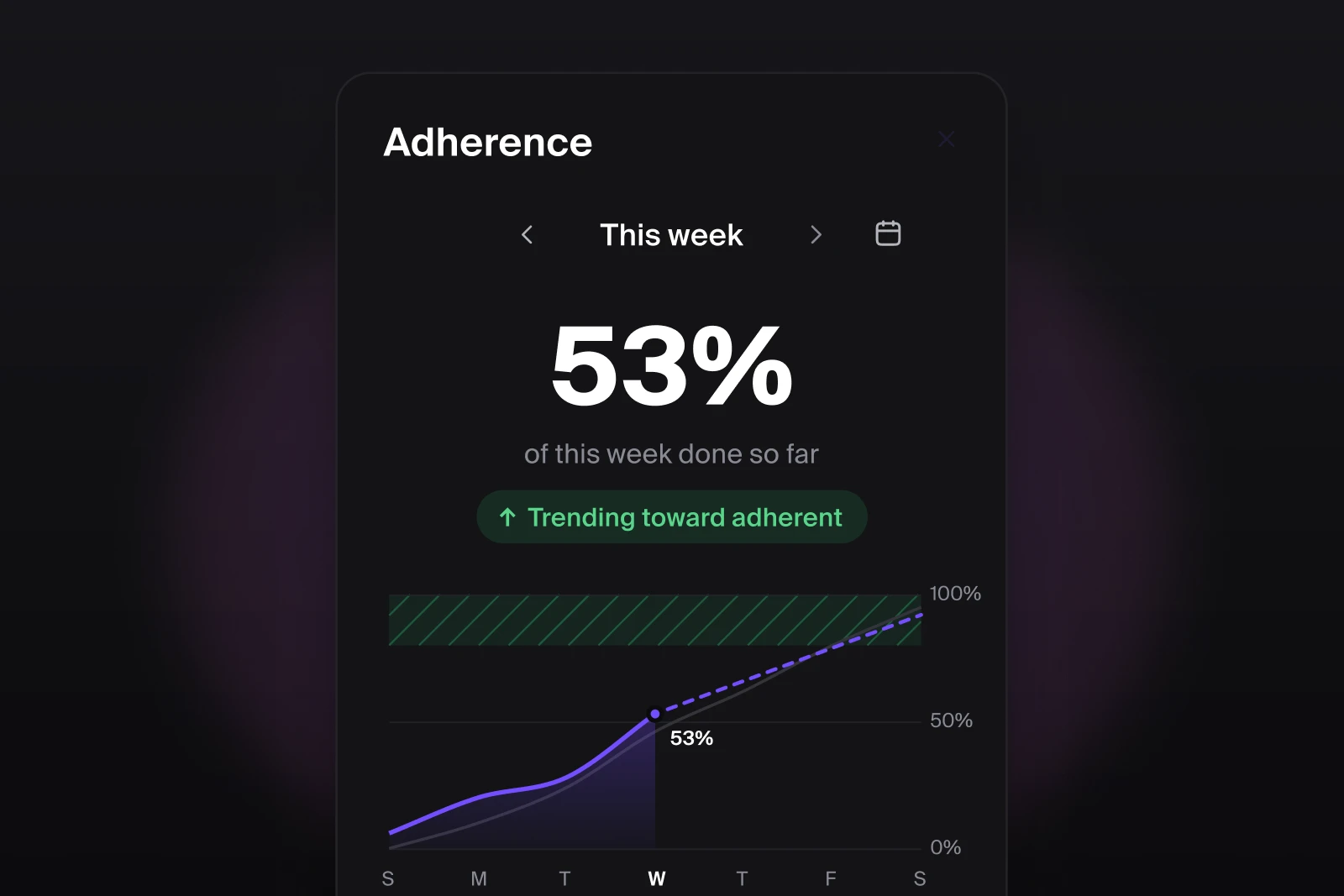
The week at a glance. How much of this week's exercise is done so far, charted day by day against the week before, with the adherence zone marked so you can see how close they are.
Where the week is headed. While the week is still going, the panel tells you whether the patient is trending toward adherent or toward non-adherent. Trending toward adherent means they can still reach the adherence zone if they do everything left this week. Trending toward non-adherent means they can't, however the rest of the week goes. That's a useful thing to know on a Wednesday, not just on a Monday.
By day. Which days they did their exercises and which they missed. Select a day to see exactly what was done on it.
By exercise. How many times they've done each exercise this week, against how many times you've asked for it so far, with the ones they're furthest behind on listed first. If they're keeping up with the stretches and skipping the strengthening, you'll see it here.
Past weeks. Step back through earlier weeks to see how the program has gone since they started it.
How a week is rated
Each week is rated by the share of its exercise sessions the patient completed:
- Adherent: 80% or more of the week done.
- Mostly adherent: at least half, but under 80%.
- Not adherent: under half.
The rating counts against what you prescribed. An exercise you set for once a day asks for seven sessions a week, and one you set for three times a week asks for three, so a patient isn't marked down for skipping something you never asked them to do that day.
Using it before the next visit
Adherence tracking doesn't change your plan of care for you. It gives you a better starting point for the conversation.
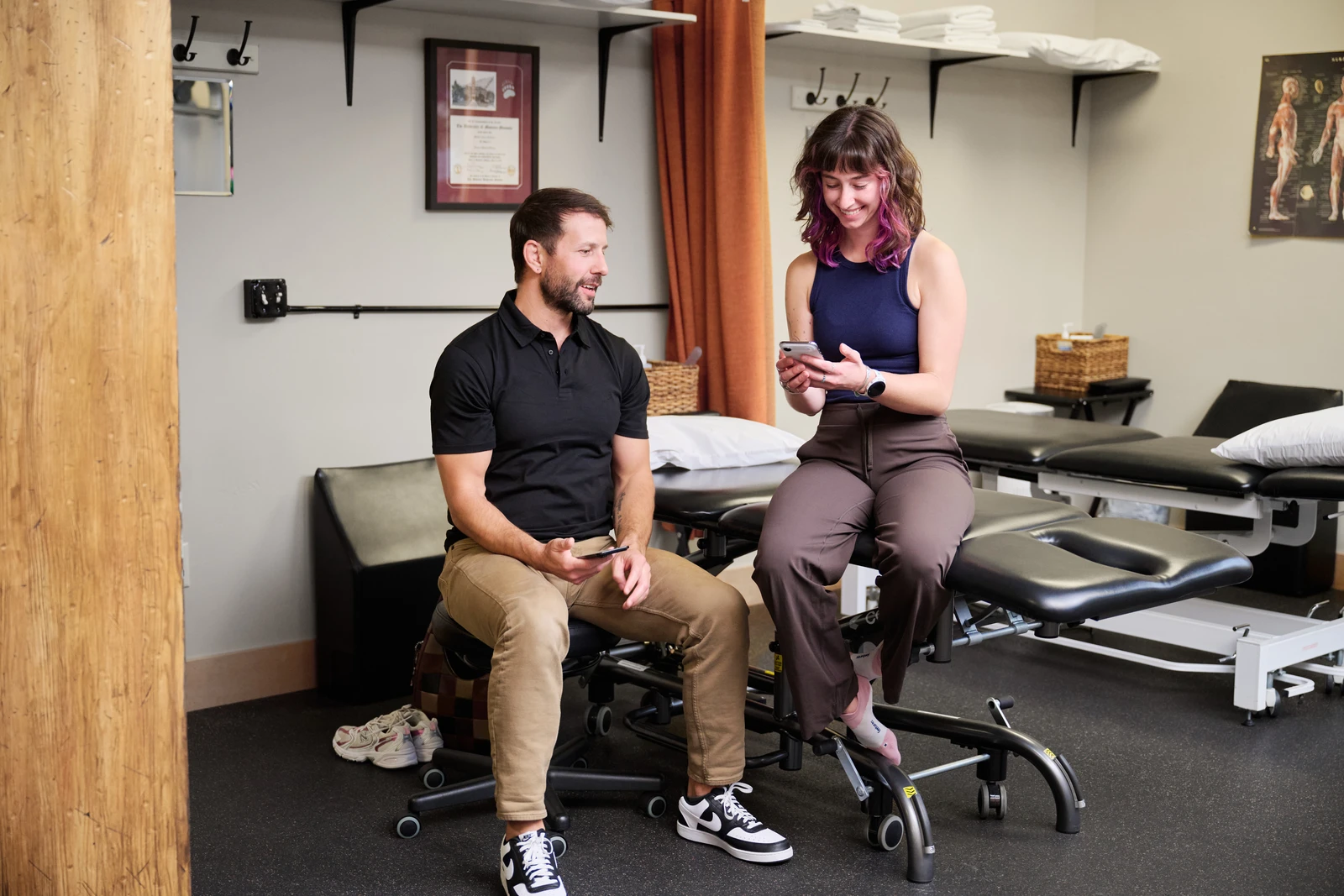
- Check the panel before the session. A minute with it tells you whether to spend the visit progressing the program or finding out what got in the way.
- Ask about the specific exercise. "I see the side planks have been tough to fit in" opens a different conversation than "How have the exercises been going?"
- Look at the pattern, not just the percentage. A patient who does everything on weekends and nothing during the week may need a shorter program on work days, not a pep talk.
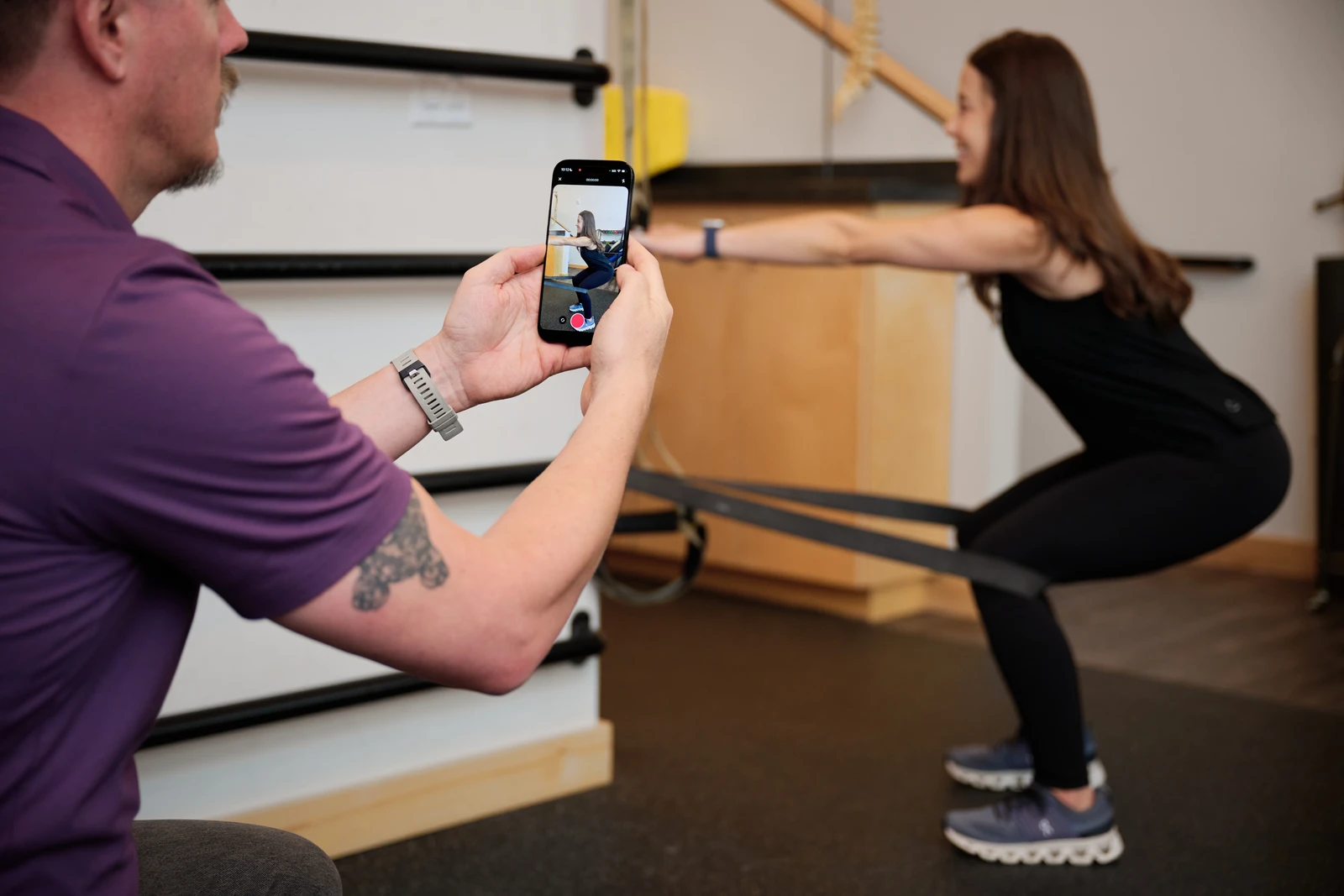
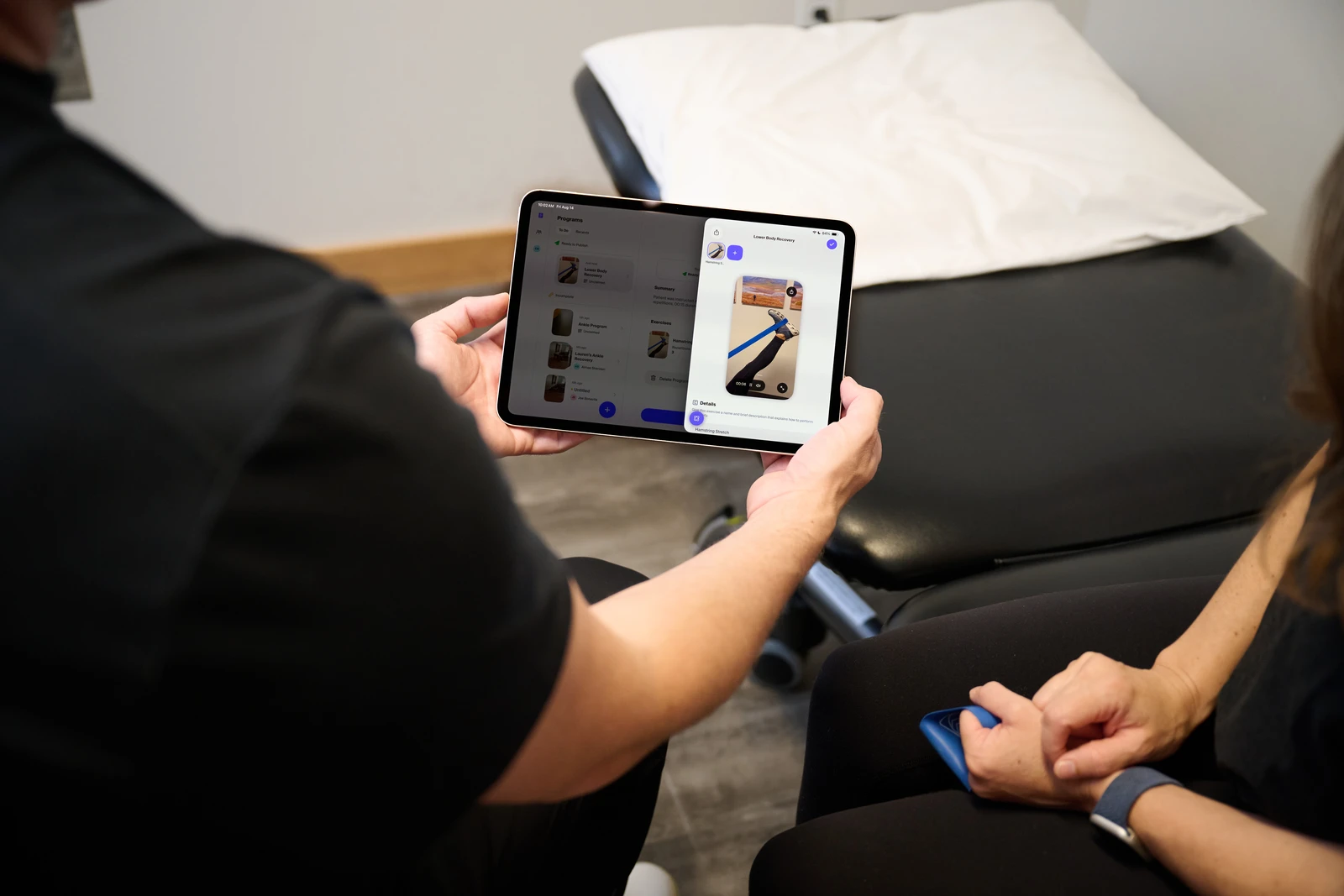
- Adjust what you prescribe. If an exercise is consistently skipped, it may be too hard, too long or not clear enough. Re-record it in the session with new cues, and the patient has the updated version before they leave.
For coaches and their athletes
Adherence tracking works the same way on the fitness side. Coaches see each athlete's week, the sessions they skipped and where they're headed, so check-ins between sessions start from what actually happened.
Where to find it
Adherence tracking is included in Health Pro and Fitness Pro. Open any program your patient has claimed and the adherence panel is right beside it. There's nothing to set up: it fills in as your patient checks off their exercises in the ProperForm app.
Try it with your patients
ProperForm is HIPAA compliant and free to start, and you can move to Health Pro or Fitness Pro when you want adherence tracking. Get started for free.